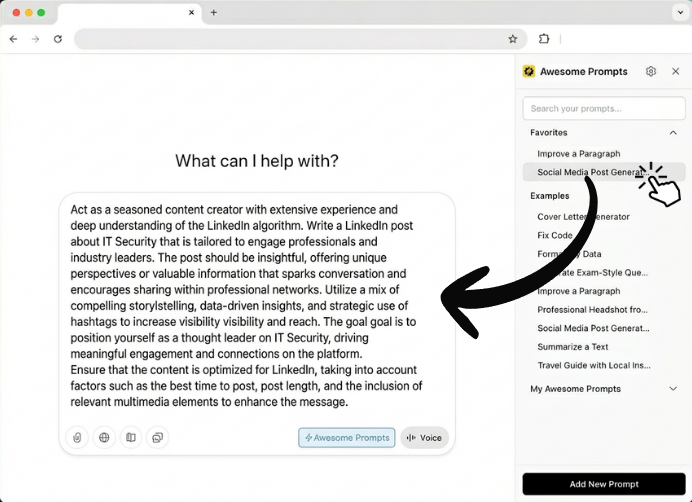
Save, organize and reuse prompts across ChatGPT, Claude, Gemini, Perplexity & Grok — one click, zero copy-paste.
Works inside your favorite AI tools
A focused toolkit to save, find, and use your prompts faster.
Your best prompts, saved in one place. Search, browse, and organize them by category.
Click a prompt, it lands in the chat input. No selecting, no copying, no switching tabs.
Pin the prompts you use most. They stay at the top so you never have to scroll.
Use variables like {{topic}} or {{language}}. Fill them in on the fly before inserting.
Opens automatically inside ChatGPT, Claude, Gemini, Perplexity & Grok. Nothing to configure.
Highlight text on any page, right-click, done. The prompt is saved to your library instantly.
Click "Add to Chrome" and you're set. No account, no setup wizard.
Go to ChatGPT, Claude, Gemini, Perplexity, or Grok. The sidebar appears automatically.
Save, organize, and insert prompts with a single click — right in your workflow.
Install Awesome Prompts for free and never rewrite a great prompt again.
Add to Chrome — It's FreeFree forever. No sign-up. Works instantly.